
 Image 1 of 1
Get Into Sports Editing Using Premiere Pro | 2nd - 3rd February 2027
Get Into Sports Editing Using Premiere Pro
Introduction
Want to learn how to turn live sports footage into engaging, fast-paced content? Get Into Sports Editing Using Premiere Pro is a practical, hands-on course designed to introduce you to the skills and workflows used to edit sports content for television, digital platforms and social media.
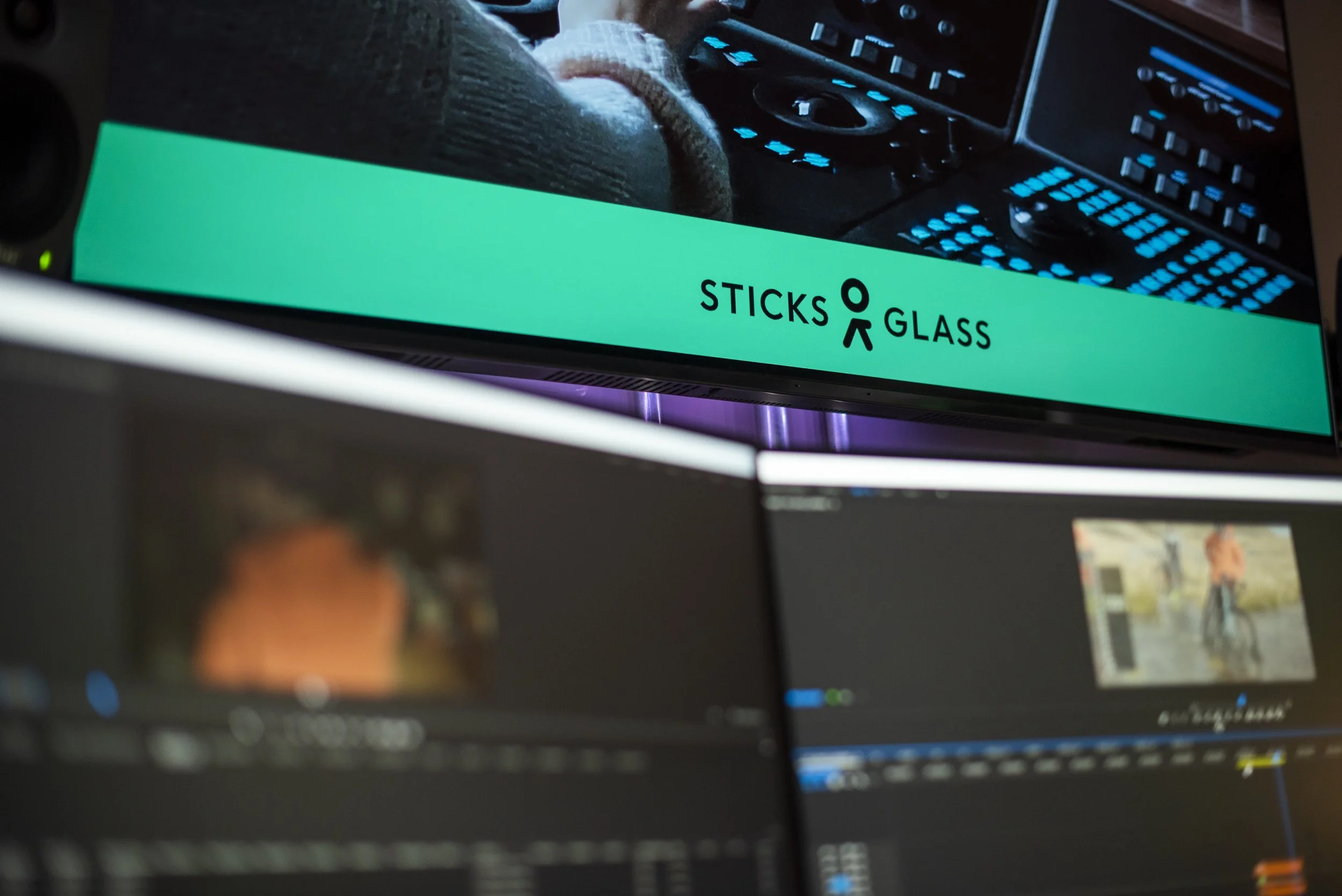
Delivered at Sticks & Glass, a professional film and TV production and post-production facility and host broadcaster for the Women’s Super League 2 (WSL 2), this course gives you the opportunity to learn in an environment connected to live sports production.
Using Adobe Premiere Pro in a professional post-production environment, you'll learn how to organise sports footage, identify key moments, build sequences and edit content that captures the pace, drama and excitement of live sport. You'll explore how sports editors work with footage, commentary, interviews, music, graphics and replays to create compelling content for different audiences and platforms.
Whether you're new to editing or looking to specialise in sports video editing, this course will give you practical experience using industry-standard software and an insight into the fast-paced world of sports post-production, drawing on Sticks & Glass's experience as a working sports broadcaster.
Course Outline
During the course, you'll explore:
Introduction to sports editing – understanding the role of the sports editor and how editing helps tell the story of a sporting event.
Adobe Premiere Pro – becoming familiar with the Premiere Pro interface, tools, project setup and professional editing workflow.
Working with sports footage – learning how to review, organise and manage sports content.
Logging and selecting footage – identifying key moments, action, reactions, interviews and supporting material.
Building a sports sequence – creating an edit that captures the pace, drama and narrative of a sporting event.
Editing for pace and impact – using shot selection, timing, rhythm and transitions to create engaging sports content.
Working with commentary and sound – understanding how commentary, crowd noise, music and sound effects contribute to the excitement of a sports edit.
Highlights editing – learning how to identify and edit key moments into concise and engaging highlight packages.
Replays and action sequences – exploring techniques for presenting important sporting moments clearly and effectively.
Interviews and supporting content – incorporating interviews, presenter links and additional footage into a sports package.
Graphics and titles – gaining an introduction to adding titles, captions, score information and basic graphics.
Editing for different platforms – understanding how sports content is adapted for television, online platforms and social media.
Short-form and social content – exploring how to create fast, engaging edits designed for mobile and social audiences.
Working to deadlines – understanding the importance of speed, accuracy and organisation within a live and fast-turnaround sports environment.
Professional sports workflows – gaining an insight into how sports content moves from live production through to post-production and delivery.
Preparing content for delivery – understanding basic export and delivery requirements for different sports platforms.
Learning Outcomes
By the end of the course, you will be able to:
Understand the role of a sports editor within television and digital sports production.
Navigate Adobe Premiere Pro and use its key editing tools.
Organise and manage sports footage within a professional editing project.
Review and identify key moments from sporting footage.
Build an engaging sports sequence using appropriate shot selection and pacing.
Apply editing techniques to create energy, rhythm and impact.
Incorporate commentary, interviews, music, crowd noise and sound effects into an edit.
Create basic sports highlights and action sequences.
Understand how replays can be used effectively within sports content.
Add basic titles, captions and sports-related graphics.
Adapt sports content for television, digital platforms and social media.
Create engaging short-form sports content for online audiences.
Work efficiently and accurately within a fast-paced sports editing environment.
Understand how professional sports broadcasting and post-production workflows operate.
Apply professional project organisation and media management practices.
Prepare sports edits for different delivery requirements.
Identify potential entry-level roles and next steps towards a career in sports editing, sports broadcasting, video editing and sports media production.
No previous sports editing experience is required, although basic computer skills and an interest in sport and video editing would be beneficial.
Get Into Sports Editing Using Premiere Pro
Introduction
Want to learn how to turn live sports footage into engaging, fast-paced content? Get Into Sports Editing Using Premiere Pro is a practical, hands-on course designed to introduce you to the skills and workflows used to edit sports content for television, digital platforms and social media.
Delivered at Sticks & Glass, a professional film and TV production and post-production facility and host broadcaster for the Women’s Super League 2 (WSL 2), this course gives you the opportunity to learn in an environment connected to live sports production.
Using Adobe Premiere Pro in a professional post-production environment, you'll learn how to organise sports footage, identify key moments, build sequences and edit content that captures the pace, drama and excitement of live sport. You'll explore how sports editors work with footage, commentary, interviews, music, graphics and replays to create compelling content for different audiences and platforms.
Whether you're new to editing or looking to specialise in sports video editing, this course will give you practical experience using industry-standard software and an insight into the fast-paced world of sports post-production, drawing on Sticks & Glass's experience as a working sports broadcaster.
Course Outline
During the course, you'll explore:
Introduction to sports editing – understanding the role of the sports editor and how editing helps tell the story of a sporting event.
Adobe Premiere Pro – becoming familiar with the Premiere Pro interface, tools, project setup and professional editing workflow.
Working with sports footage – learning how to review, organise and manage sports content.
Logging and selecting footage – identifying key moments, action, reactions, interviews and supporting material.
Building a sports sequence – creating an edit that captures the pace, drama and narrative of a sporting event.
Editing for pace and impact – using shot selection, timing, rhythm and transitions to create engaging sports content.
Working with commentary and sound – understanding how commentary, crowd noise, music and sound effects contribute to the excitement of a sports edit.
Highlights editing – learning how to identify and edit key moments into concise and engaging highlight packages.
Replays and action sequences – exploring techniques for presenting important sporting moments clearly and effectively.
Interviews and supporting content – incorporating interviews, presenter links and additional footage into a sports package.
Graphics and titles – gaining an introduction to adding titles, captions, score information and basic graphics.
Editing for different platforms – understanding how sports content is adapted for television, online platforms and social media.
Short-form and social content – exploring how to create fast, engaging edits designed for mobile and social audiences.
Working to deadlines – understanding the importance of speed, accuracy and organisation within a live and fast-turnaround sports environment.
Professional sports workflows – gaining an insight into how sports content moves from live production through to post-production and delivery.
Preparing content for delivery – understanding basic export and delivery requirements for different sports platforms.
Learning Outcomes
By the end of the course, you will be able to:
Understand the role of a sports editor within television and digital sports production.
Navigate Adobe Premiere Pro and use its key editing tools.
Organise and manage sports footage within a professional editing project.
Review and identify key moments from sporting footage.
Build an engaging sports sequence using appropriate shot selection and pacing.
Apply editing techniques to create energy, rhythm and impact.
Incorporate commentary, interviews, music, crowd noise and sound effects into an edit.
Create basic sports highlights and action sequences.
Understand how replays can be used effectively within sports content.
Add basic titles, captions and sports-related graphics.
Adapt sports content for television, digital platforms and social media.
Create engaging short-form sports content for online audiences.
Work efficiently and accurately within a fast-paced sports editing environment.
Understand how professional sports broadcasting and post-production workflows operate.
Apply professional project organisation and media management practices.
Prepare sports edits for different delivery requirements.
Identify potential entry-level roles and next steps towards a career in sports editing, sports broadcasting, video editing and sports media production.
No previous sports editing experience is required, although basic computer skills and an interest in sport and video editing would be beneficial.