
 Image 1 of 1
Colour Grading on Resolve | 15th - 16th December 2026
Colour Grading in DaVinci Resolve
Introduction
Want to learn how to give your footage a professional, cinematic look? Colour Grading in DaVinci Resolve is a practical, hands-on course designed to introduce you to the creative and technical skills involved in colour correction and colour grading for film and TV.
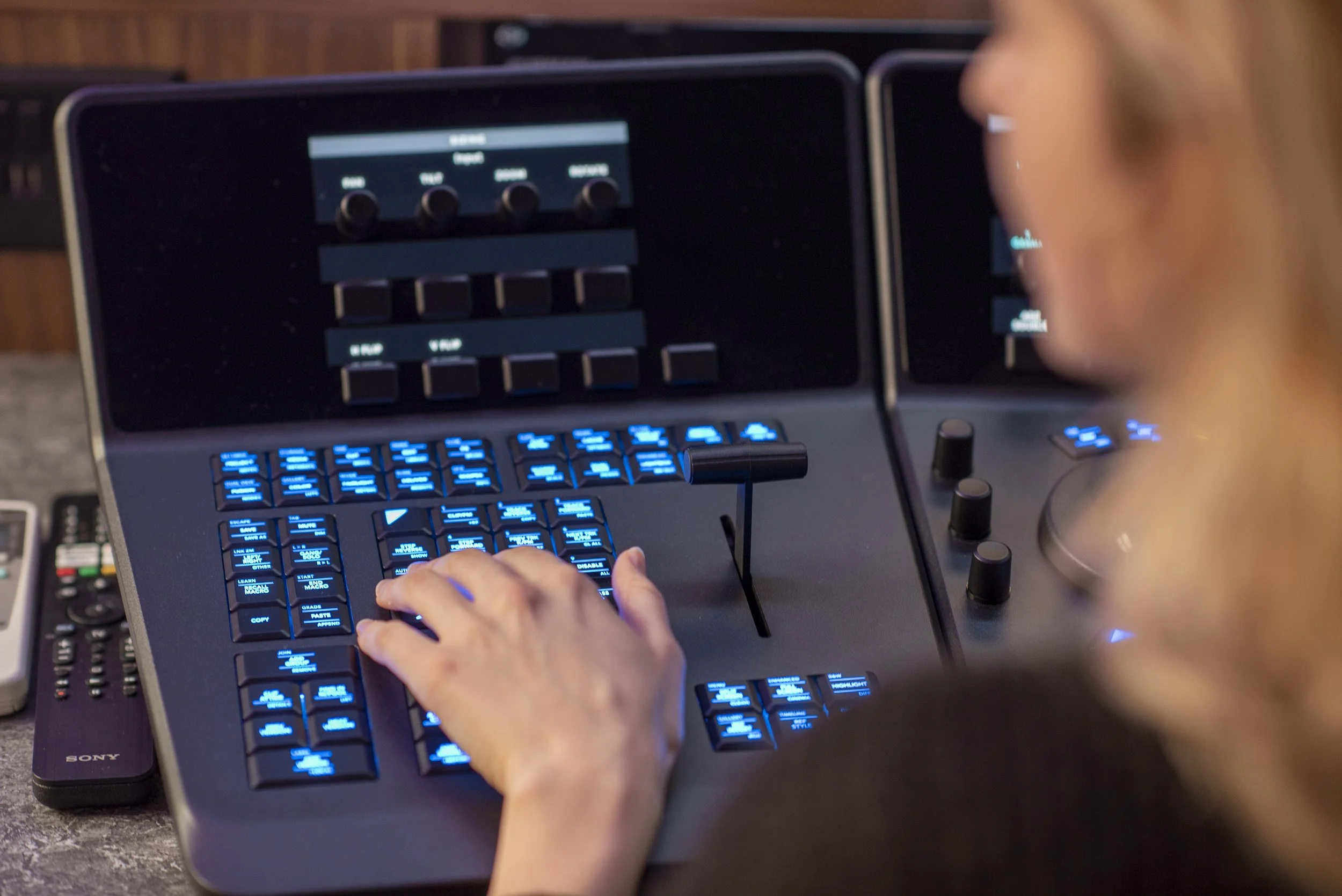
You'll learn in a professional colour grading suite using industry-standard software and professional grading equipment, giving you the opportunity to experience a post-production environment similar to those used by professional colourists. Using DaVinci Resolve, you'll learn how to analyse footage, correct exposure and colour, match shots and develop creative looks that enhance the story.
You'll explore professional colour grading workflows and gain practical experience using Resolve's powerful colour tools, helping you understand how colour can shape the mood, tone and visual identity of a production.
Whether you're an aspiring editor, filmmaker, content creator or someone looking to develop your post-production skills, this course will give you practical experience of professional colour grading in DaVinci Resolve and an insight into the role of the colourist within film and television post-production.
Course Outline
During the course, you'll explore:
Introduction to colour grading – understanding the difference between colour correction and creative colour grading and the role of the colourist in post-production.
Professional grading environments – experiencing a professional colour grading suite and learning about the equipment, monitoring and software used by industry colourists.
DaVinci Resolve – becoming familiar with the Colour page, key tools and professional grading workflows.
Understanding colour – exploring colour temperature, tint, exposure, contrast, saturation and how they affect an image.
Scopes and monitoring – learning how to use waveform, vectorscope and RGB parade to analyse and assess footage accurately.
Primary colour correction – adjusting exposure, white balance, contrast and saturation to create a balanced image.
Shot matching – learning how to achieve consistency between different shots, cameras and lighting conditions.
Working with nodes – understanding the node-based workflow in DaVinci Resolve and how to structure a grade efficiently.
Secondary corrections – exploring how to isolate and adjust specific colours, areas and elements within an image.
Skin tones – understanding how to identify, protect and achieve natural-looking skin tones.
Creative looks – exploring how colour, contrast and saturation can be used creatively to establish mood, tone and visual style.
Working with LUTs – understanding what LUTs are, when to use them and how to incorporate them effectively into a grading workflow.
Working with different footage – exploring how to approach footage from different cameras, picture profiles and shooting conditions.
Professional grading workflow – taking footage through a structured colour correction and grading process using professional software and equipment.
Preparing and exporting your grade – understanding how to check and prepare graded footage for different post-production and delivery workflows.
Learning Outcomes
By the end of the course, you will be able to:
Understand the role of colour correction and colour grading within film and TV post-production.
Understand the purpose and key components of a professional colour grading suite.
Navigate the Colour page and key grading tools within DaVinci Resolve.
Understand the fundamentals of colour, exposure, contrast, saturation and white balance.
Use professional monitoring and scopes to analyse footage and make informed grading decisions.
Correct common exposure and colour balance issues.
Match shots to achieve greater visual consistency across a sequence.
Understand and use a node-based colour grading workflow.
Make secondary colour corrections and isolate specific elements within an image.
Recognise and work with skin tones appropriately.
Develop creative colour grades to support mood, tone and storytelling.
Understand the appropriate use of LUTs within a professional grading workflow.
Approach footage from different cameras and picture profiles.
Apply a structured colour grading workflow using industry-standard software and professional equipment.
Prepare graded footage for further post-production or delivery.
Understand potential career pathways and next steps within colour grading, post-production and film and TV.
No previous colour grading experience is required, although basic familiarity with DaVinci Resolve or video editing would be beneficial.
Colour Grading in DaVinci Resolve
Introduction
Want to learn how to give your footage a professional, cinematic look? Colour Grading in DaVinci Resolve is a practical, hands-on course designed to introduce you to the creative and technical skills involved in colour correction and colour grading for film and TV.
You'll learn in a professional colour grading suite using industry-standard software and professional grading equipment, giving you the opportunity to experience a post-production environment similar to those used by professional colourists. Using DaVinci Resolve, you'll learn how to analyse footage, correct exposure and colour, match shots and develop creative looks that enhance the story.
You'll explore professional colour grading workflows and gain practical experience using Resolve's powerful colour tools, helping you understand how colour can shape the mood, tone and visual identity of a production.
Whether you're an aspiring editor, filmmaker, content creator or someone looking to develop your post-production skills, this course will give you practical experience of professional colour grading in DaVinci Resolve and an insight into the role of the colourist within film and television post-production.
Course Outline
During the course, you'll explore:
Introduction to colour grading – understanding the difference between colour correction and creative colour grading and the role of the colourist in post-production.
Professional grading environments – experiencing a professional colour grading suite and learning about the equipment, monitoring and software used by industry colourists.
DaVinci Resolve – becoming familiar with the Colour page, key tools and professional grading workflows.
Understanding colour – exploring colour temperature, tint, exposure, contrast, saturation and how they affect an image.
Scopes and monitoring – learning how to use waveform, vectorscope and RGB parade to analyse and assess footage accurately.
Primary colour correction – adjusting exposure, white balance, contrast and saturation to create a balanced image.
Shot matching – learning how to achieve consistency between different shots, cameras and lighting conditions.
Working with nodes – understanding the node-based workflow in DaVinci Resolve and how to structure a grade efficiently.
Secondary corrections – exploring how to isolate and adjust specific colours, areas and elements within an image.
Skin tones – understanding how to identify, protect and achieve natural-looking skin tones.
Creative looks – exploring how colour, contrast and saturation can be used creatively to establish mood, tone and visual style.
Working with LUTs – understanding what LUTs are, when to use them and how to incorporate them effectively into a grading workflow.
Working with different footage – exploring how to approach footage from different cameras, picture profiles and shooting conditions.
Professional grading workflow – taking footage through a structured colour correction and grading process using professional software and equipment.
Preparing and exporting your grade – understanding how to check and prepare graded footage for different post-production and delivery workflows.
Learning Outcomes
By the end of the course, you will be able to:
Understand the role of colour correction and colour grading within film and TV post-production.
Understand the purpose and key components of a professional colour grading suite.
Navigate the Colour page and key grading tools within DaVinci Resolve.
Understand the fundamentals of colour, exposure, contrast, saturation and white balance.
Use professional monitoring and scopes to analyse footage and make informed grading decisions.
Correct common exposure and colour balance issues.
Match shots to achieve greater visual consistency across a sequence.
Understand and use a node-based colour grading workflow.
Make secondary colour corrections and isolate specific elements within an image.
Recognise and work with skin tones appropriately.
Develop creative colour grades to support mood, tone and storytelling.
Understand the appropriate use of LUTs within a professional grading workflow.
Approach footage from different cameras and picture profiles.
Apply a structured colour grading workflow using industry-standard software and professional equipment.
Prepare graded footage for further post-production or delivery.
Understand potential career pathways and next steps within colour grading, post-production and film and TV.
No previous colour grading experience is required, although basic familiarity with DaVinci Resolve or video editing would be beneficial.