
 Image 1 of 1
Master Adobe Premiere Pro from the ground up with our Beginners Premiere Pro Training Course at Sticks & Glass Skills Hub in Leeds. Designed for absolute beginners and those new to video editing, this hands-on course introduces the Premiere Pro workspace, essential tools, and efficient workflows used in professional post-production.
What you'll learn:
Navigating the interface: workspaces, panels, and project organization
Importing, organizing, and managing media
Basic editing techniques: trimming, timeline assembly, and multi-clip editing
Transitions, titles, and simple motion graphics
Essential audio editing and mixing for clear, balanced sound
Color basics: correction and simple grading to enhance footage
Exporting settings for web, broadcast, and social platforms
Best practices for efficient, professional workflows
Why choose this course:
Industry-standard training tailored for beginners
Small class sizes with expert instructors
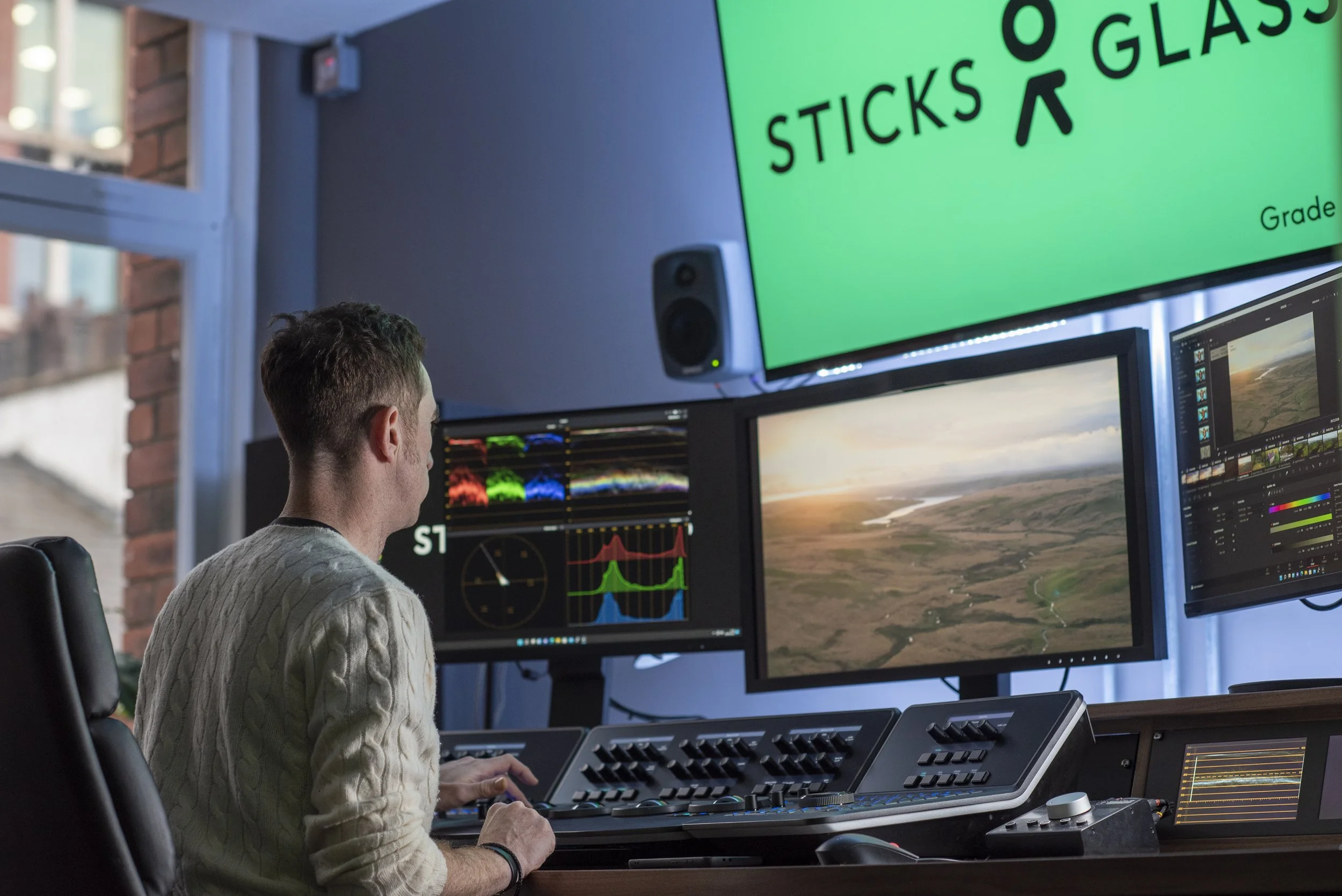
Access to state-of-the-art editing suites and equipment
Practical exercises and real-world project work to build a showreel-ready clip
By the end of the course you'll confidently assemble and deliver polished video projects using Premiere Pro, equipped with skills to continue developing as an editor or to support production roles. Ideal for aspiring filmmakers, content creators, and media students.
Master Adobe Premiere Pro from the ground up with our Beginners Premiere Pro Training Course at Sticks & Glass Skills Hub in Leeds. Designed for absolute beginners and those new to video editing, this hands-on course introduces the Premiere Pro workspace, essential tools, and efficient workflows used in professional post-production.
What you'll learn:
Navigating the interface: workspaces, panels, and project organization
Importing, organizing, and managing media
Basic editing techniques: trimming, timeline assembly, and multi-clip editing
Transitions, titles, and simple motion graphics
Essential audio editing and mixing for clear, balanced sound
Color basics: correction and simple grading to enhance footage
Exporting settings for web, broadcast, and social platforms
Best practices for efficient, professional workflows
Why choose this course:
Industry-standard training tailored for beginners
Small class sizes with expert instructors
Access to state-of-the-art editing suites and equipment
Practical exercises and real-world project work to build a showreel-ready clip
By the end of the course you'll confidently assemble and deliver polished video projects using Premiere Pro, equipped with skills to continue developing as an editor or to support production roles. Ideal for aspiring filmmakers, content creators, and media students.